FPS counter for Windows games
NotchPixel adds an FPS counter to Windows 11 and 10: when a game runs fullscreen, the island steps aside for a slim strip at the top of the screen with your FPS, CPU, GPU and RAM use and temperatures.
7-day free trial. One-time purchase, no account.
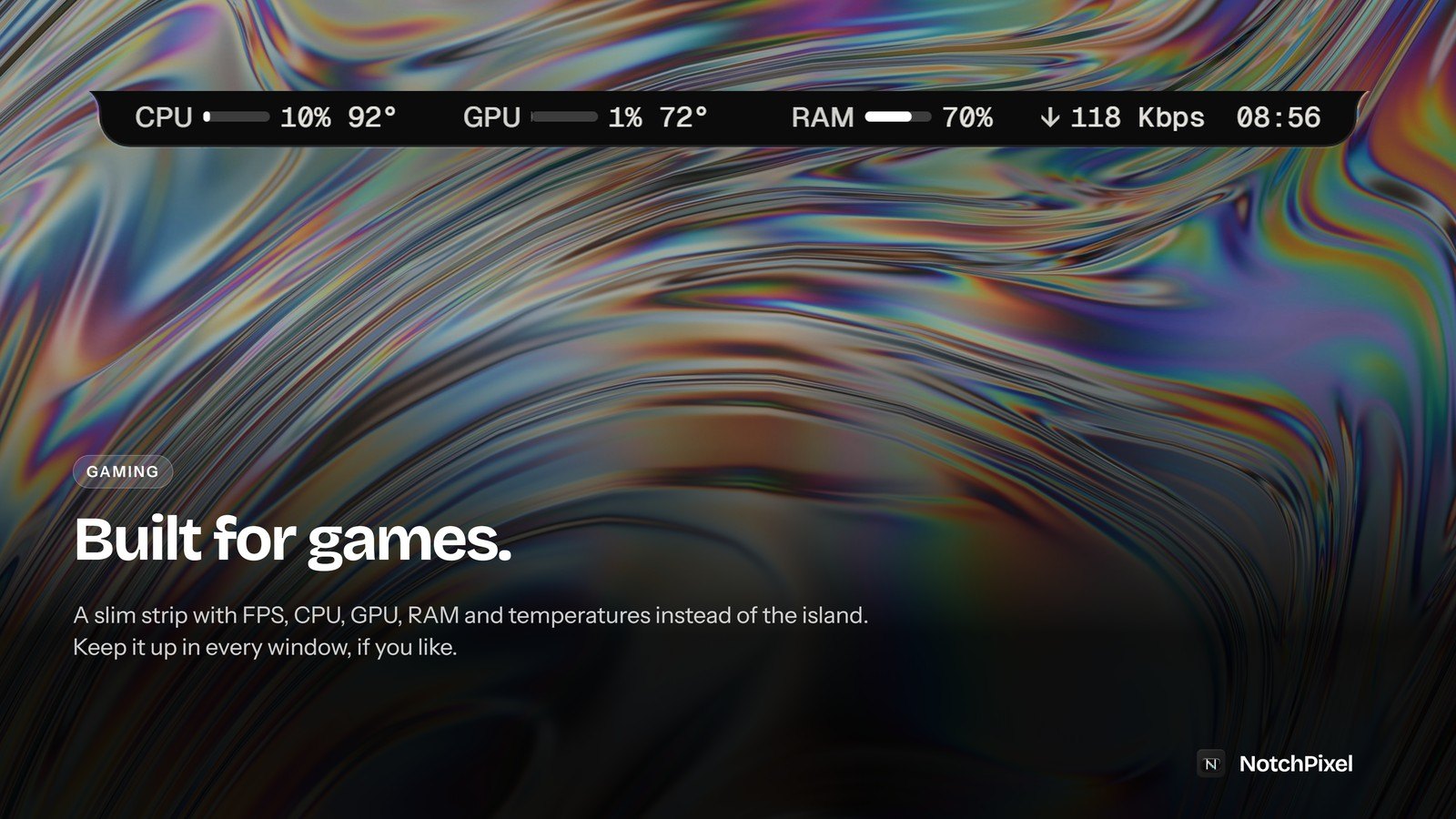
What it does
- Frames per second counted from the game's own frame events, the same way PresentMon and the Xbox Game Bar counter count them.
- CPU, GPU and RAM use with temperatures, in one line.
- Nothing is injected into the game: NotchPixel reads Windows' own performance events.
- Prefer nothing on screen? Set the island to hide in fullscreen games instead.
What Windows already has
Windows has a free FPS counter in the Xbox Game Bar: press Win+G and open the Performance widget, which shows FPS, CPU, GPU and RAM and can be pinned over a game. NotchPixel's strip is for people who want those numbers in one slim line at the top of the screen without opening the Game Bar, and the rest of the island when they are not gaming.
Good to know
- The strip needs borderless or windowed fullscreen. In exclusive fullscreen, nothing can draw over a game.
- To read frame timing, Windows needs your account to be allowed to read performance events. NotchPixel offers to add it once (one administrator prompt); after that it works for good.
- Runs on Windows 10 version 2004 or later and Windows 11, 64-bit (x64).
Questions
Which games does it count?
It counts frames from Windows' DXGI and Direct3D 9 present events, which covers most DirectX games. The strip shows in borderless or windowed fullscreen.
Does it hook into the game?
No. It reads frame events that Windows itself records, the same source PresentMon and the Xbox Game Bar use, and draws its strip in its own window.
What does it cost?
$9.99 once in the US after a 7-day free trial, with no subscription. It is sold only in the Microsoft Store, which installs and updates it.
Part of NotchPixel
This is one of the jobs NotchPixel does in one island at the top of your screen, with music, clipboard history, files to your phone, a game strip, reminders and widgets. See everything it does, read what people say on the Microsoft Store, or see how to get a Dynamic Island on Windows.
7-day free trial. One-time purchase, no account.